
Construction projects require careful planning and organization to meet deadlines and stay within budget. Contractors and project managers need tools that help them keep track of tasks, schedules, and resources without confusion. The best construction scheduling platform helps teams plan each stage of a project clearly and manage changes quickly.
Such platforms bring together all parts of a project in one place. This helps avoid mistakes and delays caused by poor communication or missed details. By using the right software, teams can work more smoothly and make sure the project stays on track from start to finish.
Key Features of Modern Construction Scheduling Platforms
Modern construction scheduling platforms focus on speeding up communication, optimizing the use of resources, and adapting plans quickly to keep projects on track. These tools help teams share updates immediately, assign tasks effectively, and adjust schedules automatically to handle changes.
Real-Time Collaboration Capabilities
Modern platforms allow team members to update project status from any location instantly. A superintendent on-site can mark a task complete using a tablet, and everyone involved—from managers to architects—sees the update right away. This helps avoid delays caused by miscommunication or waiting for manual reports.
Instant messaging, file sharing, and live notifications keep the team connected throughout the day. The system tracks changes and provides transparency, reducing errors and confusion. This feature is especially useful for projects with multiple teams and stakeholders spread across different sites or offices.
Advanced Resource Allocation Tools
Scheduling software today uses detailed data to assign labor, equipment, and materials in the most efficient way. It matches the right workers to the right tasks based on skillset and availability. Additionally, contractors can track equipment usage and material delivery to prevent downtime.
These allocation tools often offer visual aids like Gantt charts and calendars that show resource schedules clearly. This allows project managers to spot conflicts or overbooking early. As a result, projects avoid unnecessary delays and waste, keeping budgets more controlled.
Automated Schedule Adjustments
Automatic updates to schedules help keep a project timeline accurate as tasks shift or delays occur. If one task finishes early or late, the software recalculates dependencies and adjusts future milestones accordingly. This reduces manual work and speeds decision making.
Alerts notify managers of potential problems before they grow. Automation also allows easy rescheduling without losing track of who is responsible for each task. This helps teams stay coordinated when facing unexpected changes, such as weather or supply issues.
Top-Rated Construction Scheduling Solutions for 2025
A broad selection of construction scheduling platforms is available in 2025, each catering to unique contractor preferences and project requirements. The best options merge conventional scheduling tools with AI-based analytics and seamless, real-time teamwork functionalities.
Planera
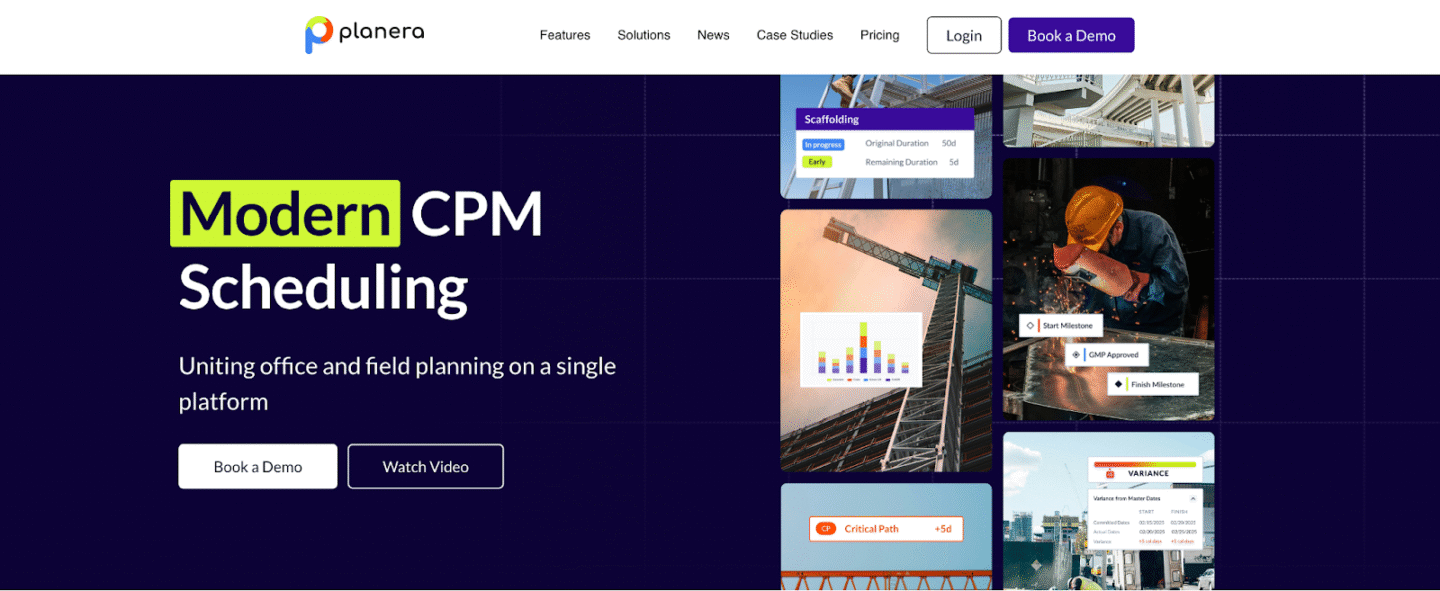
Planera is quickly becoming a go-to solution for contractors seeking an all-in-one project management and scheduling platform. Unlike traditional scheduling software that often feels clunky and rigid, Planera offers a modern cloud-based system designed specifically with construction professionals in mind. It helps contractors streamline operations by combining scheduling, resource allocation, and project tracking into one accessible dashboard.
One of Planera’s standout features is its advanced Gantt chart capabilities. These aren’t just static visual timelines; they are interactive, allowing project managers to drag, drop, and adjust tasks with ease. Dependencies and critical paths update instantly, giving teams an accurate picture of how even small changes can affect overall project timelines. Contractors often appreciate the simplicity of making real-time adjustments without wading through complex menus or spreadsheets.
Beyond scheduling, Planera integrates well with other construction management needs, from resource planning to budget oversight. For contractors who want a scalable tool that grows with their business, Planera offers the perfect balance of flexibility, functionality, and user-friendly design.
Key Features of Planera
- Comprehensive suite for scheduling, resource management, and project tracking
- Advanced Gantt charts with drag-and-drop functionality
- Automated progress updates and notifications
- Real-time collaboration for faster decision-making
- Mobile access for jobsite updates
Best Suited For: Contractors handling multi-phase projects that require robust visualization and seamless team collaboration.
Procore
Procore has earned its reputation as one of the most robust project management platforms in the construction industry. While it offers a wide range of features—such as financial management, safety oversight, and document storage—its scheduling module is particularly powerful for contractors managing multiple complex projects.
Procore’s scheduling tools seamlessly integrate with popular applications like Microsoft Project and Primavera P6, meaning contractors can continue using familiar scheduling systems while benefiting from Procore’s centralized platform. This integration ensures that project schedules remain accurate and consistent across teams and departments, which is crucial for large-scale operations where miscommunication can quickly lead to setbacks.
Another strength of Procore is its extensive third-party integrations—over 400 in total—which make it highly customizable to a contractor’s workflow. From accounting systems to procurement tools, Procore can connect with nearly any solution a construction company already uses. For large contractors managing multiple job sites, this scalability makes Procore a highly dependable long-term investment.
Key Features of Procore
- Scheduling integrated with project management and procurement tools
- Document storage and organization for streamlined workflows
- Built-in quality and safety management features
- Financial tracking to align schedules with budgets
- Extensive integration support for customization
Best Suited For: Large contractors and enterprises running multiple, complex projects that require a centralized solution.
Buildertrend
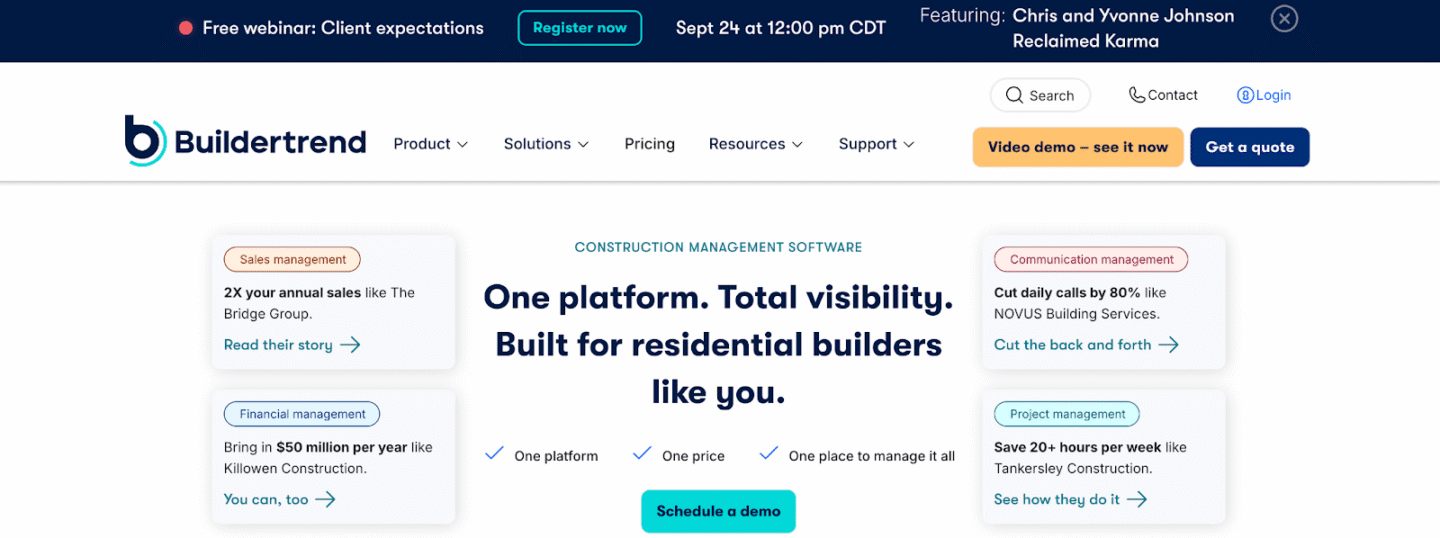
For residential and light commercial contractors, Buildertrend has become a staple. Known for its intuitive interface and customer-friendly design, it’s particularly well-suited for contractors who need powerful scheduling tools without the steep learning curve.
Buildertrend’s scheduling system provides clear visual timelines with drag-and-drop functionality, making it easy to set dependencies, track progress, and adjust timelines as needed. The platform also prioritizes client communication. Homeowners receive automated updates on project milestones and schedule changes, which fosters transparency and builds trust. This is especially valuable for contractors working on custom homes or remodels where client satisfaction is paramount.
With its mobile accessibility, Buildertrend allows field teams to access schedules and make updates from anywhere, ensuring seamless communication between the office and job sites. For small to mid-sized contractors, Buildertrend provides the perfect mix of scheduling efficiency and customer engagement.
Key Features of Buildertrend
- Easy-to-use scheduling dashboard with task tracking
- Automated client notifications and updates
- Photo documentation for on-site accountability
- Change order management built into the platform
- Mobile app for on-the-go scheduling
Best Suited For: Residential builders, remodelers, and small contractors who value client communication and ease of use.
Fieldwire
Fieldwire is a field management platform designed specifically for construction teams, offering powerful scheduling and task management capabilities that bridge the gap between the office and the job site. Unlike general project management software, Fieldwire is built for contractors, foremen, and field workers who need real-time access to schedules and project plans while in the field. Its intuitive mobile-first design ensures that teams stay connected, even when working on complex projects across multiple sites.
At the heart of Fieldwire is its task scheduling and coordination system. Project managers can create tasks, assign them to specific team members, and link them directly to project drawings or plans. These tasks can be prioritized, scheduled, and tracked in real time, providing full visibility into progress and ensuring accountability at every level. Contractors especially value how easy it is to see who is responsible for each task and whether deadlines are being met.
Another key advantage of Fieldwire is its integration with construction drawings. Contractors can link scheduled tasks directly to blueprints, ensuring that every worker knows not only what needs to be done but exactly where on the project site it applies. This reduces errors and helps streamline collaboration between architects, engineers, and builders. The platform also supports version control, so teams always work from the latest set of plans.

Key Features of Fieldwire
- Task management with priority levels and deadlines
- Plan viewing and markups for field teams
- Real-time collaboration across devices
- Punch list and inspection tracking
- Offline access for areas with limited connectivity
Best Suited For: Contractors and site managers looking for a mobile-first solution to streamline daily jobsite operations.
Conclusion
Construction scheduling platforms help teams plan and track projects with better control over time and resources. They simplify task management, improve communication, and reduce delays. Choosing the right tool depends on project size and specific needs, whether for small teams or large enterprises. In the end, a good scheduling system supports smoother workflows and timely project delivery.

